

Identify the equipment before changing the schedule
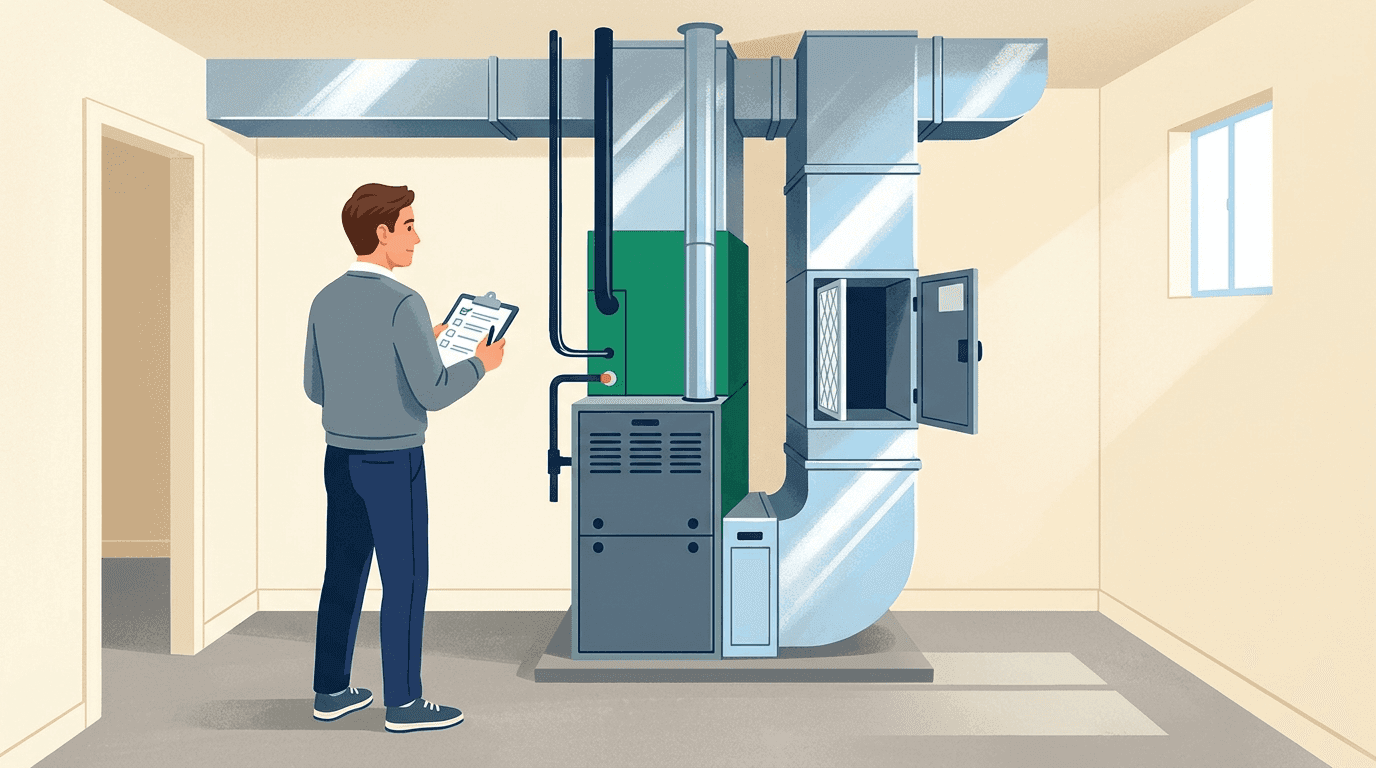
Start by checking whether the thermostat controls a furnace, boiler, heat pump, cooling-only system, or multiple zones. Find the thermostat model and operating guide. A schedule that works for one system can behave differently on another, especially when the equipment has a slow response or uses auxiliary heat.
Use the normal user controls rather than installer menus. If you are unsure what a setting does, write down its current value and ask the installer. In a rental or shared building, confirm which settings you can change and whether a building-wide schedule overrides your controls.
Map the week before choosing temperatures
Write down the times someone is normally home, sleeping, or away. Include work-from-home days and weekends. A programmable thermostat can adjust settings around that routine; the Department of Energy's renter guidance describes this use of scheduled temperature changes.
Begin with comfortable occupied settings and a modest adjustment during a suitable away period. There is no single temperature that fits every household, climate, building, or health need. Keep temperatures appropriate for people, pets, moisture control, and protection of the property.
| Period | Plan | Check afterwards |
|---|---|---|
| Morning | Allow time to reach the occupied setting | Comfort when people get up |
| Away | Use a suitable energy-saving setting | Pets, humidity, and return time |
| Evening | Resume the occupied setting | Whether recovery begins too late |
| Night | Choose a comfortable sleeping setting | Whether rooms remain suitable overnight |
Take extra care with heat-pump recovery
Large heating setbacks can trigger auxiliary electric resistance heat during recovery on some heat-pump systems. Compatible controls and recovery settings matter. ENERGY STAR's connected-thermostat guidance discusses the importance of minimizing unnecessary auxiliary heat.
Follow your system's control guidance and ask the installer whether a steady setting, a smaller setback, or an adaptive schedule is appropriate. Do not disable backup heat to chase a lower bill. If an auxiliary-heat indicator appears frequently in mild conditions, keep a record and ask for the controls to be checked.
Test one change and review the result
Run the schedule through a normal week and note when you use a manual override. Repeated overrides usually mean the schedule does not fit the household. Check the thermostat's clock, day settings, hold mode, and any app-based occupancy features before changing more temperatures.
Compare comfort and runtime over similar weather, rather than attributing a warmer week's lower bill to the schedule alone. Keep a short log of the change, dates, and conditions. If your electricity tariff varies by time, check the timing of recovery as well as total runtime.
- Change one period at a time.
- Record uncomfortable rooms and the time of day.
- Check that a permanent hold has not disabled the schedule.
- Review the routine when seasons or occupancy change.
Questions to ask before replacing the thermostat
Ask which controls support your exact system, whether existing wiring is suitable, which functions need an internet connection, and what happens if the app is unavailable. Request a demonstration of schedule, override, and recovery settings after installation. Find thermostat and controls providers, or use the energy cost calculator to explore your own runtime assumptions without assuming guaranteed savings.